

Key Takeaways
Standby Power (Phantom Load)
Standby power - also called phantom load, vampire power, or idle current - is the electricity a device consumes while plugged in but not actively in use. Even when you think a device is 'off,' it often continues drawing a small but continuous amount of power. Over days, weeks, and months, this adds up to a measurable portion of your electricity bill.
Standby draw is measured in watts (W). A device consuming 5 W continuously uses approximately 3.6 kWh per month - the same as running a 60 W bulb for 60 hours.
Why 'Off' Doesn't Mean Zero
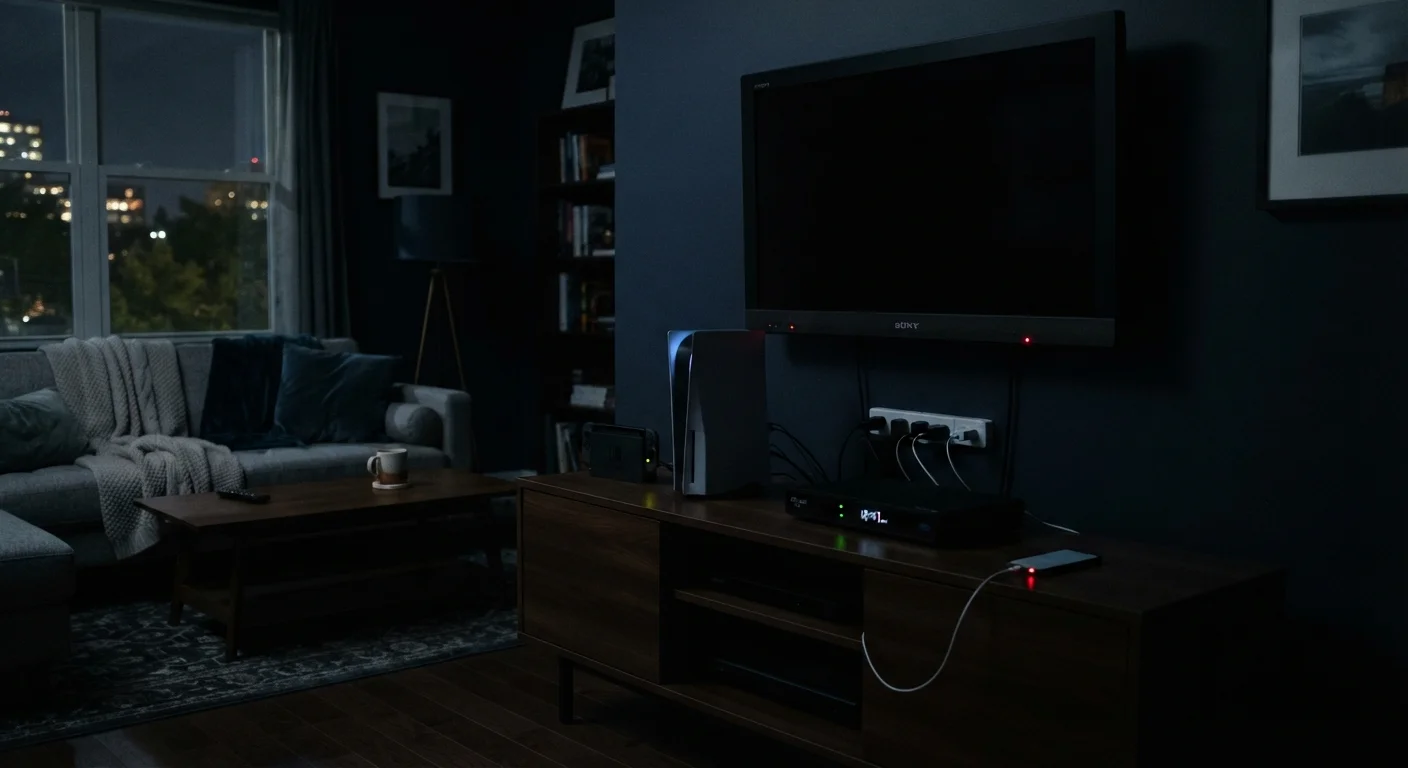
When you press the power button on a television or a gaming console, the screen goes dark - but the device rarely goes completely dormant. Manufacturers design electronics to respond instantly to remote controls, maintain network connections, download updates automatically, and keep internal clocks running. All of that requires a continuous trickle of electricity.
This is standby power. It's not a design flaw; it's an intentional trade-off between convenience and energy use. The problem is that most homeowners don't realize the trade-off exists - and when dozens of devices draw small amounts of power 24 hours a day, the cumulative effect on an electricity bill is real.
For a broader look at how multiple silent energy drains work together in a home, see Your Home's Hidden Energy Drains, Explained.
5-10%
Share of home electricity from standby power
The U.S. Department of Energy estimates that standby power accounts for approximately 5-10% of residential electricity consumption in a typical American home.
~$100-$200
Estimated annual standby power cost per household
Based on DOE standby estimates and national average electricity rates; actual costs depend on device count, local utility pricing, and usage patterns.
1 watt
Maximum standby limit for many ENERGY STAR devices
ENERGY STAR program requirements cap standby power for many product categories at 1 watt, significantly below what older electronics typically draw.
Which Devices Draw the Most on Standby
Not all standby draws are equal. Some devices consume fractions of a watt; others consume more than 15-20 watts continuously - comparable to a dim light bulb running nonstop. Here's where to focus attention:
- Cable and satellite boxes: Often the single largest standby culprit in a home. Many older models draw 15-30 watts whether or not you're watching, because they continuously record and maintain guide data.
- Gaming consoles: Depending on the settings enabled, a console in standby can draw anywhere from under 1 watt (rest mode with minimal features) to 10+ watts (when downloading updates or maintaining network presence).
- Older TVs and audio equipment: Flat-panel televisions manufactured before roughly 2013 tend to draw significantly more standby power than current models. AV receivers with multiple HDMI inputs often draw 5-30 watts in standby.
- Desktop computers and monitors: A computer left in sleep mode continues to draw power. Monitors with power bricks may draw a watt or two even when the display is off.
- Microwave ovens: The digital clock on a microwave runs continuously. Estimates suggest a microwave clock can consume more electricity in a year than the appliance uses for actual cooking.
How to Measure and Reduce Your Phantom Load
The most accurate approach is direct measurement. A plug-in watt meter - available at most hardware stores - shows you exactly how many watts any device draws in standby. Spending a few minutes walking through your home and testing each outlet gives you real data rather than estimates.
Once you know where the draw is concentrated, several practical steps can reduce it:
- Use smart power strips for entertainment centers and home office setups. These cut power to peripheral devices automatically when the primary device shuts off.
- Unplug chargers and small appliances when not in use. This takes seconds and eliminates standby draw entirely for those devices.
- Adjust console and TV standby settings. Most modern devices allow you to disable network standby or automatic updates - check the power management settings menu.
- Replace aging electronics gradually. Newer ENERGY STAR-certified devices are required to meet maximum standby power thresholds, making them meaningfully more efficient than older equivalents.
Start With Your Entertainment Center
Entertainment setups - TV, cable box, gaming console, sound bar, AV receiver - are often the single largest source of phantom load in a home. Plugging all of these into one smart power strip that cuts when the TV is off can reduce standby draw from that area to near zero with no ongoing effort required.
It's also worth questioning a few common assumptions about energy saving. For example, many homeowners believe that leaving devices in sleep mode is roughly equivalent to turning them off - it isn't. Energy Saving Myths That Homeowners Still Believe covers this and other misunderstandings in detail.
Putting Standby Power in Context
Standby power is a genuine cost - but it helps to keep it proportionate. Reducing phantom load across your home might trim 5-10% off your electricity bill. That's a meaningful number over a year, but it won't outweigh the impact of larger consumption items like heating, cooling, water heating, and laundry.
Think of phantom load reduction as one layer of a broader energy strategy rather than a complete solution on its own. The steps required - using smart strips, adjusting settings, unplugging unused chargers - are low-effort and cost nothing, which makes them worth doing regardless of the dollar savings involved.
Once you have a clearer picture of your energy habits, reviewing your actual utility statement is a useful next step. Understanding Your Energy Bill: What Each Line Item Actually Means explains what the numbers on your bill actually represent and how usage charges are calculated.